
Have you added backing yet?
When you're in the Play & Practice area, you’ll first want to Add Backing by injecting one of the available chord arrangements so you have some accompaniment for the tune you’re working on.

From here, you can add any chord arrangement to practice your tune by clicking the Inject Chords button (see below).
Try it now and watch as the chords are scribbled down onto the sheet music!✍️

Once the chords have been added, you can make use of all 3 toggle buttons depending on how and what you’d like to practice.
Click here for an example practice routine using the toggle buttons, for both melody players and accompanists!
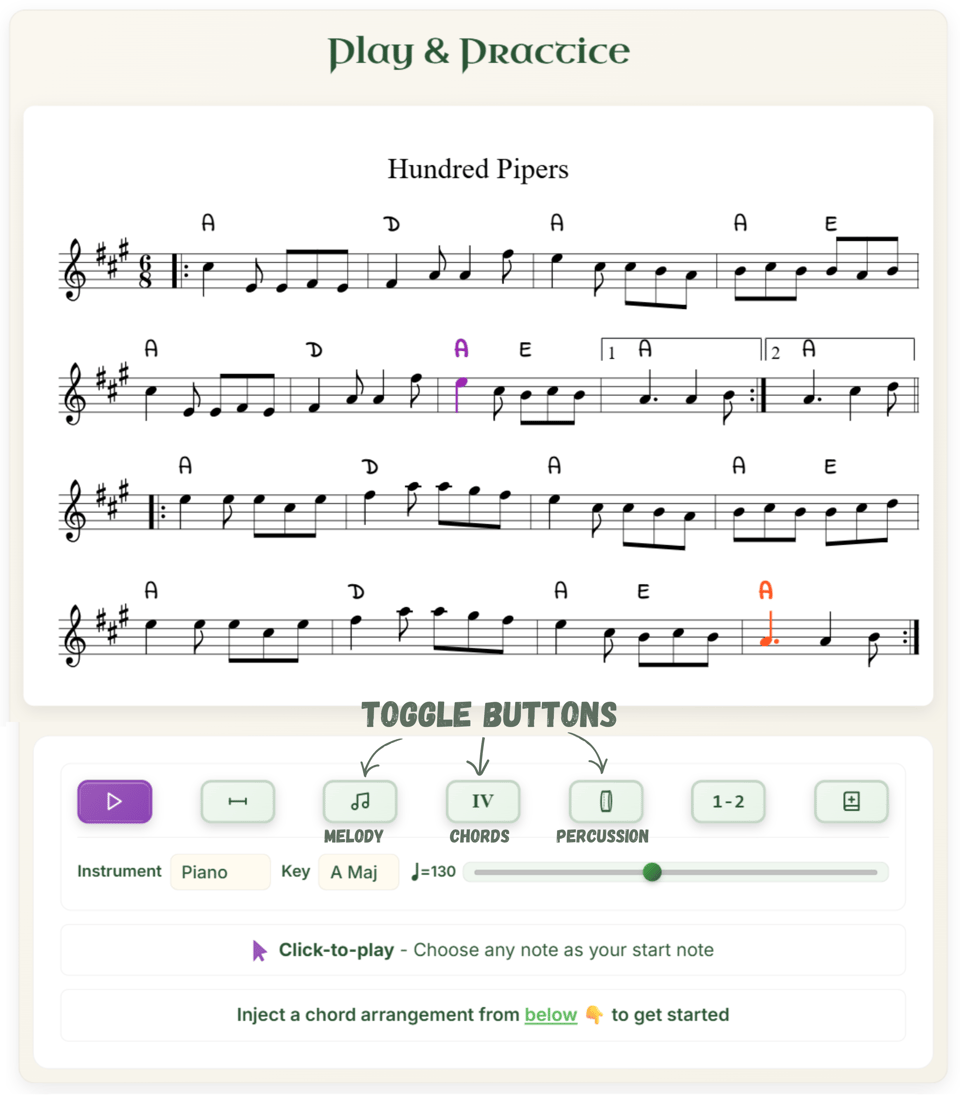
Try injecting chords now with Hundred Pipers.
Adam
Don't miss what's next. Subscribe to TradChords: